Excel Training in the Copilot Era: What Your Microsoft Excel Courseware Should Cover Now
If you deliver Microsoft 365 training, you've likely already heard this question:
"Why Learn Excel When Copilot Can Do It?"
It's a fair question, and it changes what a good Excel workshop looks like. When you choose or build Microsoft 365 Excel courseware today, the goal is no longer just showing learners where the buttons are. It's teaching them to produce work they can trust.
The question in the room has changed
Copilot in Excel can explain what a formula is doing, describe how a PivotTable is built, and recommend a chart type. Newer agent features go further and produce the work outright.That's useful, but it changes the learning goal. Knowing how to do the task is no longer enough. Your participants also need to be able to tell whether what Copilot gave them is correct or only looks correct.
That judgment depends on skills that were always part of an Excel course. They now matter even more.
Three Skills to Build Your Curriculum Around
01 STRUCTURE
AI output is only as reliable as the data behind it. Learners who understand tables, structured references, and clean data layouts give Copilot (and themselves) something solid to work with.
02 VERIFICATION
A professional tells the right answer from a convincing wrong one by auditing formulas, validating data entry, and testing outcomes with tools like Goal Seek, Scenario Manager and Solver.
03 RELIABILITY
Templates, macros, file protection, workbook views, and print setup keep work consistent once it leaves the author's desk.
The most common mistake your learners' managers will see is simple: reports built on unstructured, unchecked data. When the data changes, the report breaks, or worse, it quietly becomes wrong.
What practising this looks like in an Excel training workshop:
The best way to teach learners how to "check the answer" is to let them get a plausible wrong answer, then catch it. A few examples from Velsoft's courseware:
Tables and Charts Module
Learners add a "% of Total Sales" column to a sales table, then filter the table to top performers. The percentages appear inflated because the Total Row only looked at visible rows. Learners track down why and correct the formula.
Data Analysis and Validation
Learners play data auditor in a workbook seeded with #REF!, #VALUE! and #NULL! errors, tracing each one back to its source.
Data Automation, PivotTables & Copilot
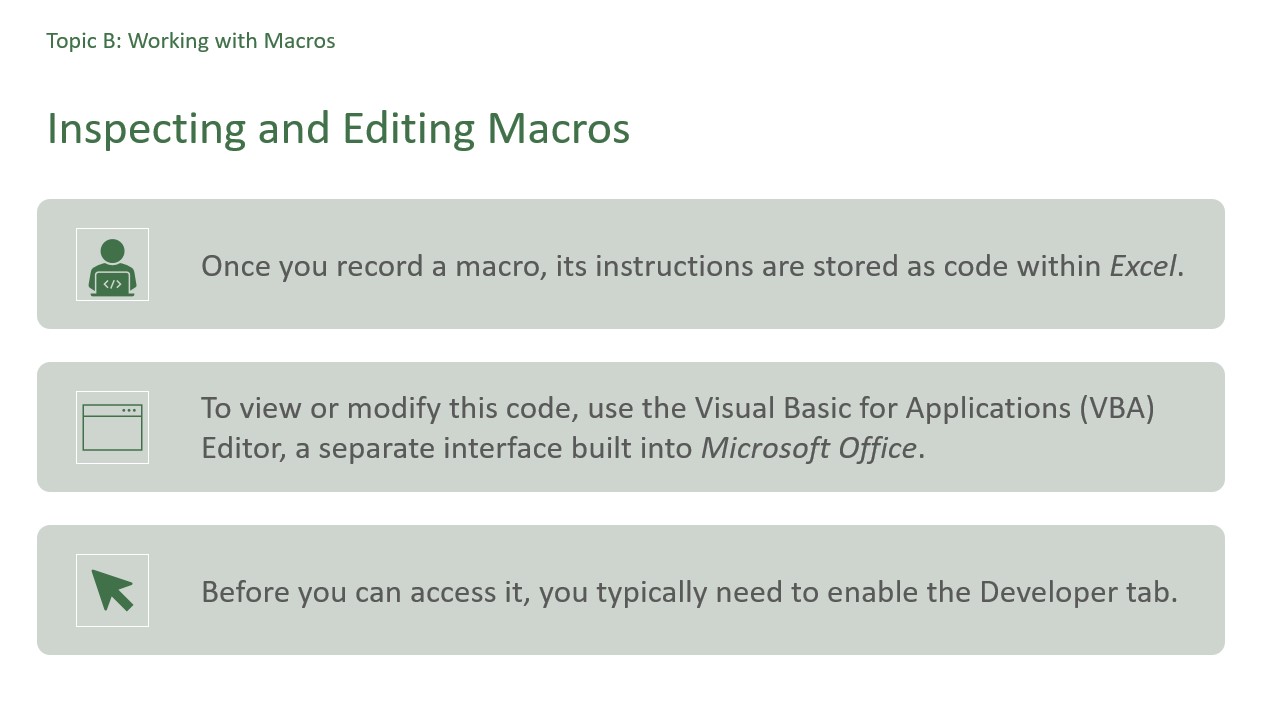
Each module ends with a Copilot activity. In most of them, learners compare Copilot's answer with what Excel actually shows. For example, they ask Copilot to explain why that Total Row changes when a filter is applied, then filter the table and see for themselves. In PivotTables, they check Copilot's summary against the numbers. In Data Automation and File Management, they compare Copilot's explanation of a macro with the steps they recorded.
That's the difference between teaching learners to use Copilot and showing them how to trust it appropriately.
Turn velsoft's Microsoft 365 Excel training courseware into a workshop sequence
Rather than one sprawling advanced Excel day, many trainers get better results from focused modules that build on each other. Participants aren't overwhelmed, and clients can pick what they need. Here's one way to map it:
Module
What it covers
01 Tables and Charts
Excel tables and structured references, database functions, chart creation and formatting, trendlines and sparklines.
02 PivotTables and PivotCharts
Building and customizing PivotTables, slicers, PivotCharts, external data, and an introduction to Power Pivot.
03 Data Analysis and Validation
Formula auditing, error checking, data validation, outlines, Analyze Data, Forecast Sheet, Scenario Manager, Goal Seek and Solver.
04 Data Automation & File Management
Templates, recorded macros and macro security, worksheet and workbook protection, encryption and digital signatures.
05 Printing and Viewing Workbooks
Workbook views and windows, Sheet View for shared files, page setup, print areas and print preview.
Should you build or license Excel 2026 training courseware?
A course like this needs instructor guidance, learner materials, slides, exercise files and Copilot-aware activities that match the current version of Excel. Building all of that from scratch is a real project, and it needs updating as the software changes.
If you're weighing licensing against building, these are worth checking in any courseware you consider:
How Velsoft's Excel Training Material Helps
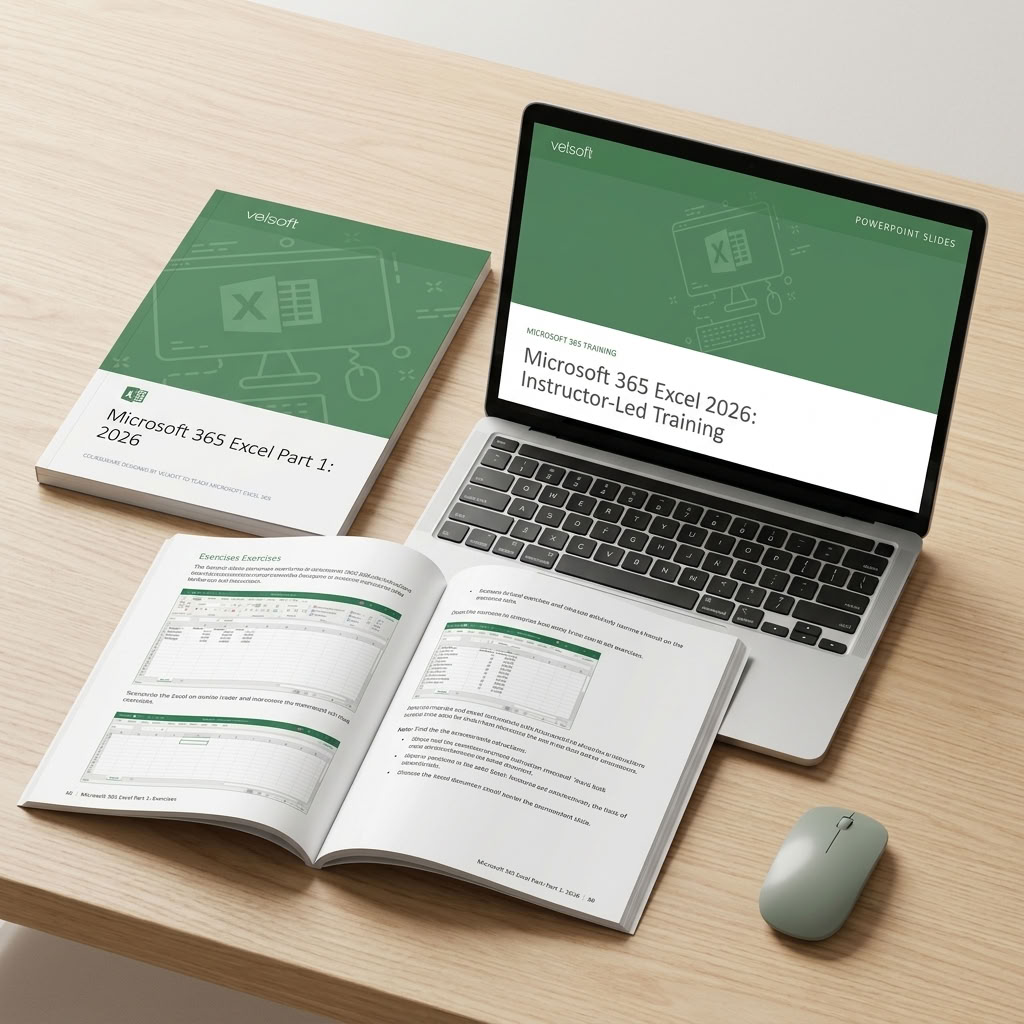
Microsoft 365 Excel Part 1 and 2: 2026 follows this sequence. It's sold as one course with five modules, each built to stand alone, so you can run the full program or a single module for a client who only needs one.
Every module comes with its own Instructor Guide, complete with Instructor Tips, a Participant Manual, PowerPoint slides, and exercise files. The guides and manuals are editable Word files written for the desktop version of Microsoft 365 Excel, and the course can be delivered in person or online.