No online training platform? Get one for $195/mo See What’s Included
Save 70% on Storyline courses, valid until

Steff

November 12, 2026

Teaching PowerPoint with Copilot: What Trainers Must Cover

If you’re teaching PowerPoint with Copilot in the room, your learners have probably already shown you a Copilot-built deck. They typed a prompt, and a minute later they had ten slides with headings, bullet points and an image or two.

It looks finished. It usually isn’t.

The fonts don’t quite match. The chart is impossible to read from the back of the room. Half the slides are crowded with text, and the deck hasn’t been near an accessibility check. When the presenter needs to change something, they end up editing slide after slide by hand.

Copilot has changed how presentations get started. It hasn’t changed what makes one worth presenting. For trainers, that shift is an opportunity, and it changes what your PowerPoint classes need to cover.

What Copilot does well, and where it stops

Copilot is good at getting people past the blank slide. It can draft slides from a prompt, suggest layouts and designs, generate images, and help turn data into tables and charts.

What it can’t do is judge the result. Someone still has to:

01

Check the content is accurate and says what the presenter means.

02

Apply a consistent design so the deck looks like one presentation, not ten.

03

Make the data readable, with tables and charts sized and formatted for the room.

04

Deliver it with confidence, from proofing and accessibility to presenter tools and print-outs.

Those are the skills your learners need, and they’re the ones a quick Copilot demo skips.

The common mistake

The mistake you'll still see in every class

The most common habit in a PowerPoint class is formatting each slide by hand instead of using layouts and themes. The deck looks inconsistent, the slides fill up with text, and every change has to be repeated across the presentation.

Copilot doesn’t fix this. A learner who doesn’t understand slide layouts and themes will take a Copilot draft and start hand-formatting it the same way. Teaching structure first means learners can take any draft, AI-generated or not, and make it consistent in minutes.

Five things to teach alongside Copilot

If you’re updating your PowerPoint training this year, these are the areas that keep Copilot output usable:

1

Templates, layouts and themes. The foundation for consistent decks. Learners who understand them can restyle a whole presentation in one step.

2

Text formatting with intent. Character and paragraph formatting, AutoFit and text box settings that keep slides readable rather than crowded.

3

Images and objects that line up. Inserting, cropping, grouping, aligning and animating objects so slides look deliberate.

4

Tables and charts people can read. Formatting data for an audience, and linking content from Excel so it stays current.

5

Review and delivery. Spell check, compatibility and accessibility checks, transitions, print layouts and delivery options, including presenting in Microsoft Teams.

Then give learners a chance to use Copilot on each skill, so they see both what it speeds up and what it gets wrong.

How to teach PowerPoint with Copilot in class

A practical approach is to teach the skill first, then layer Copilot on top:

1

Teach the skill

Teach the manual method so learners understand what good looks like.

2

Add Copilot

Run a short Copilot activity that applies the same skill, such as asking it to suggest a layout or format a chart.

3

Review and fix

Have learners review and fix the Copilot output using what they just learned.

This keeps Copilot in its place: a time-saver for people who already know the fundamentals, not a replacement for them.
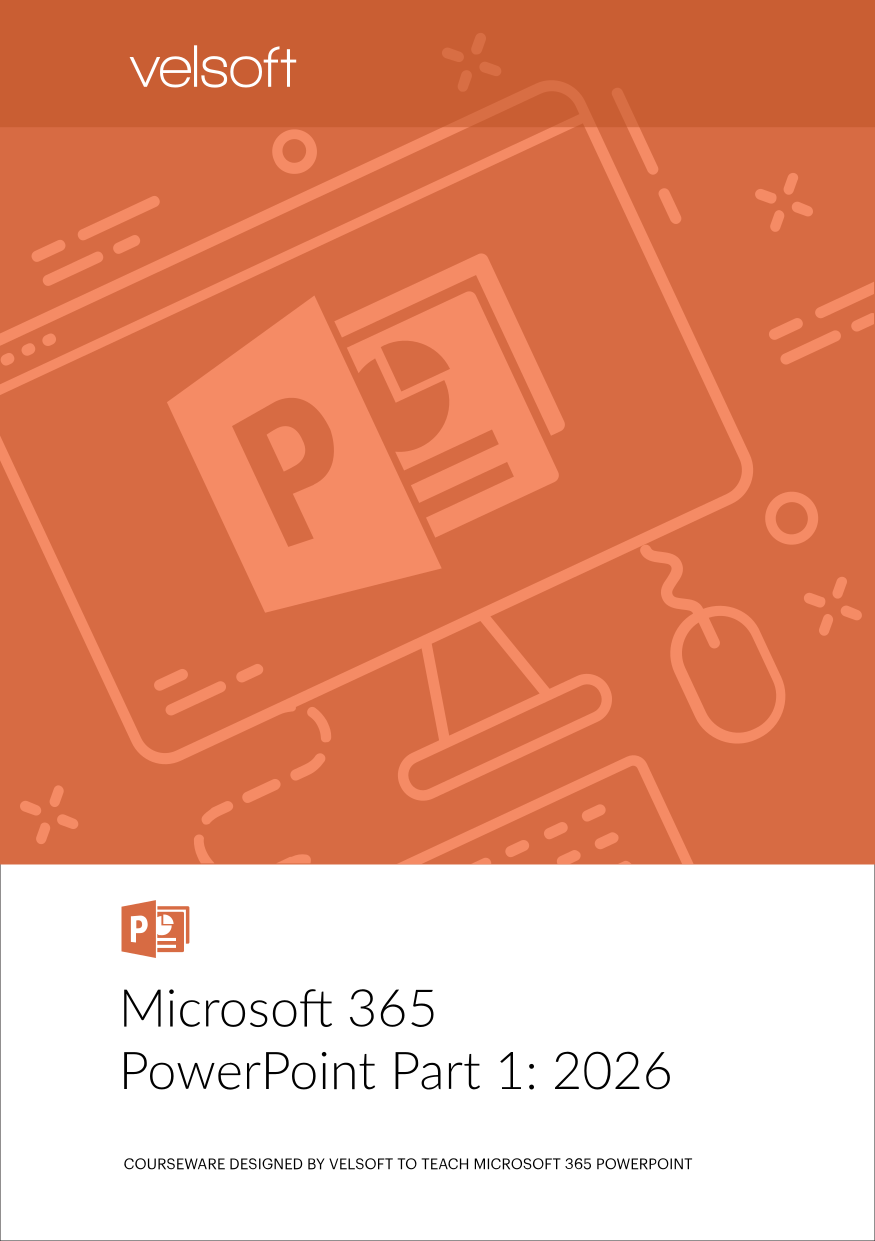
Microsoft 365 PowerPoint Part 1: 2026 courseware cover, instructor-led training kit by Velsoft

Ready-to-teach courseware

Microsoft 365 PowerPoint Part 1: 2026

Velsoft’s new courseware is built around this approach. It’s designed for workplace learners who have little or no formal PowerPoint training, and it takes them from a blank slide to a polished, ready-to-deliver presentation across eight focused modules.

  1. 01Getting Started with PowerPoint
  2. 02Developing a PowerPoint Presentation
  3. 03Performing Advanced Text Editing
  4. 04Adding Graphical Elements to Your Presentation
  5. 05Modifying Objects in Your Presentation
  6. 06Adding Tables to a Presentation
  7. 07Adding Charts to a Presentation
  8. 08Preparing to Deliver Your Presentation

Every module includes an Instructor Guide, Participant Manual, PowerPoint Slides and Exercise Files, plus an optional Copilot activity that applies the module’s skills. You can deliver the full package or choose individual modules for a shorter session.

Instructor GuideParticipant ManualPowerPoint SlidesExercise FilesCopilot activity

As with all Velsoft courseware, you can customize and brand every file, buy once with no annual fees, and train as many participants as you need.

The bottom line

Copilot will keep getting better at drafting slides. That makes the trainer’s role more important, not less. Your learners need to know how to judge a draft, fix it and deliver it, and that’s what good PowerPoint training teaches.


Download a Free Course Sample

Preview Velsoft quality before you commit. Choose any format—ILT, SCORM, or Storyline—and download as many samples as you like from our Sample Download Center.

Your privacy is important to us. For more information, take a look at our Privacy Policy.

Teaching PowerPoint with Copilot: What Trainers Must Cover

Your privacy is important to us. For more information, take a look at our Privacy Policy.

Talk to a Training Advisor

Get expert guidance on choosing the right training solutions, formats bundles, and pricing options for your organization.

Your privacy is important to us. For more information, take a look at our Privacy Policy.
Not sure about all the details? That’s okay! Provide what you can, and we’ll cover everything during your consultation.

Talk to a Training Advisor

Get expert guidance on choosing the right training solutions, formats bundles, and pricing options for your organization.

Your privacy is important to us. For more information, take a look at our Privacy Policy.
Not sure about all the details? That’s okay! Provide what you can, and we’ll cover everything during your consultation.

Request Price

Your privacy is important to us. For more information, take a look at our Privacy Policy.

Download a Free Sample

Choose from hundreds of ready-to-use training courses covering critical workplace skills and topics.

Your privacy is important to us. For more information, take a look at our Privacy Policy.

Choose from 81 courses available in Articulate Storyline (.story) format.

  • Social Selling for Small Businesses
  • 10 Minute Presentation
  • Successfully Managing Change
  • Performance Management: Managing Employee Performance
  • Building Better Teams
  • Anger Management: Understanding Anger
  • Conflict Resolution: Getting Along in the Workplace
  • Hiring for Success: Behavioral Interviewing Techniques
  • Creating a Top Notch Talent Management Program
  • Conducting Effective Performance Reviews
  • Stress Management
  • Managing Customer Service
  • Closing the Generation Gap in the Workplace
  • Accounting Skills for the New Supervisor
  • Onboarding: The Essential Rules for a Successful Onboarding Program
  • Employee Recognition: Appreciating Your Workforce
  • Creativity In The Workplace
  • Diversity, Equity, and Inclusion
  • Unconscious Bias
  • Becoming Management Material
  • Coaching and Mentoring
  • Motivation Training: Motivating Your Workforce
  • The ABCs of Supervising Others
  • The Professional Supervisor
  • Delegation: The Art of Delegating Effectively
  • Team Building: Developing High Performance Teams
  • Meeting Management: The Art of Making Meetings Work
  • Leadership Skills for Supervisors
  • Managing Difficult Conversations
  • Giving Effective Feedback
  • Managing the Virtual Workplace
  • Managing Across Cultures
  • Women Leadership: Owning Your Strengths and Skills
  • Dealing With Difficult People
  • Vendor Management Essentials
  • How to Become a Leader with Integrity
  • Corrective Action
  • Project Management Principles and Performance Domains
  • Advanced Writing Skills
  • Public Speaking: Presentation Survival School
  • Emotional Intelligence
  • Communication Strategies
  • Critical Elements of Customer Service
  • Skills for the New Employee
  • Business Etiquette: Gaining that Extra Edge
  • Conquering Your Fear of Speaking in Public
  • Time Management
  • Business Writing That Works
  • Critical Thinking
  • Goal Setting
  • Personal Brand: Maximizing Personal Impact
  • Self Leadership
  • Managing Pressure and Maintaining Balance
  • Active Listening
  • Fostering Innovation
  • Delivering Dynamic Virtual Presentations
  • Entrepreneurship 101
  • Workplace Harassment: What It is and What to Do About It
  • Workplace Violence: How to Manage Anger and Violence in the Workplace
  • Lean Process Improvement
  • Employee Accountability
  • Disability Awareness: Working with People with Disabilities
  • Crisis Management
  • Strategic Planning
  • Continuous Improvement with Lean
  • Creating a Positive Work Environment
  • Developing a Safety Procedures Manual
  • Beyond Workplace Politics
  • Digital Transformation
  • GDPR Readiness: Creating a Data Privacy Plan
  • Cybersecurity Fundamentals
  • Respect In The Workplace
  • Advanced Skills for the Practical Trainer
  • Facilitation Skills
  • Survival Skills for the New Trainer
  • Using Activities to Make Training Fun
  • Developing a Training Needs Analysis
  • Measuring Training Results
  • Risk Management
  • Safety in the Workplace

Download a Free Sample

Your privacy is important to us. For more information, take a look at our Privacy Policy.